

⌥↑) drops all tracks to minimal height for an arrangement overview, Normal is the default track height, and Focus (⌥↓ or double-click a clip) expands a single clip for detailed editing. Entering Focus Mode shrinks every other track to a 24 pt compact row rather than hiding it, so the arrangement stays on screen above and below the editor. The focused clip carries a thin header strip: press in the strip to drag the clip, press below it to edit. Exit with Escape or ⌥↑; zoom, scroll position, and every track height are restored.
While in Focus Mode, Tab / ⇧Tab step to the next / previous clip on the same track without exiting. → / ← navigate inside the focused clip — note by note, slice by slice, point by point — and cross into the adjacent clip only once you run past its last or first element.
Audio Focus Mode
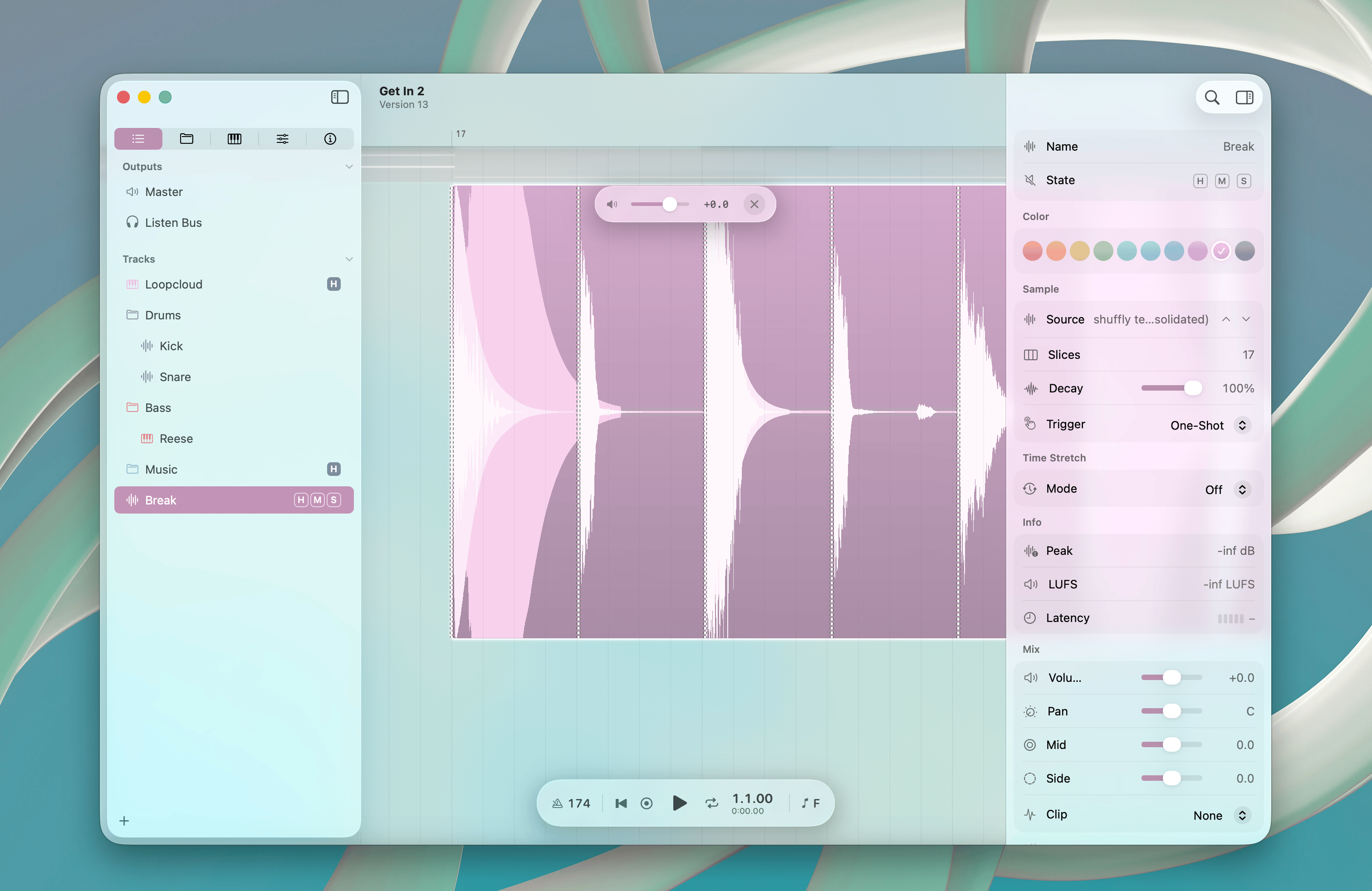
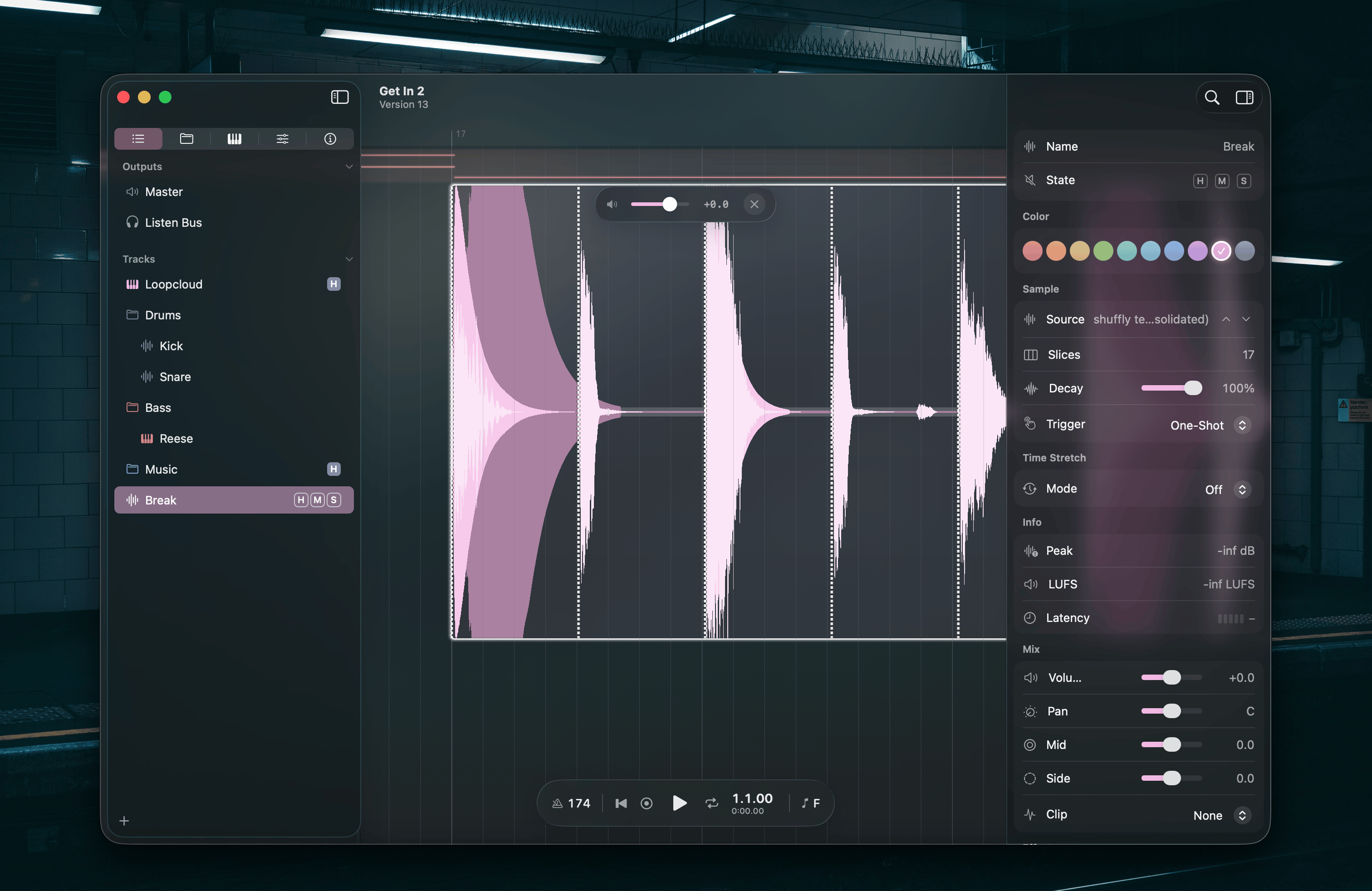
⌥X.
Slice playback
Letter keys trigger slices between transient markers — 26 slices per page. With more than 26 slices, run Musical Typing: Octave Up / Musical Typing: Octave Down (Fn↑ / Fn↓) to switch pages.
MIDI Focus Mode
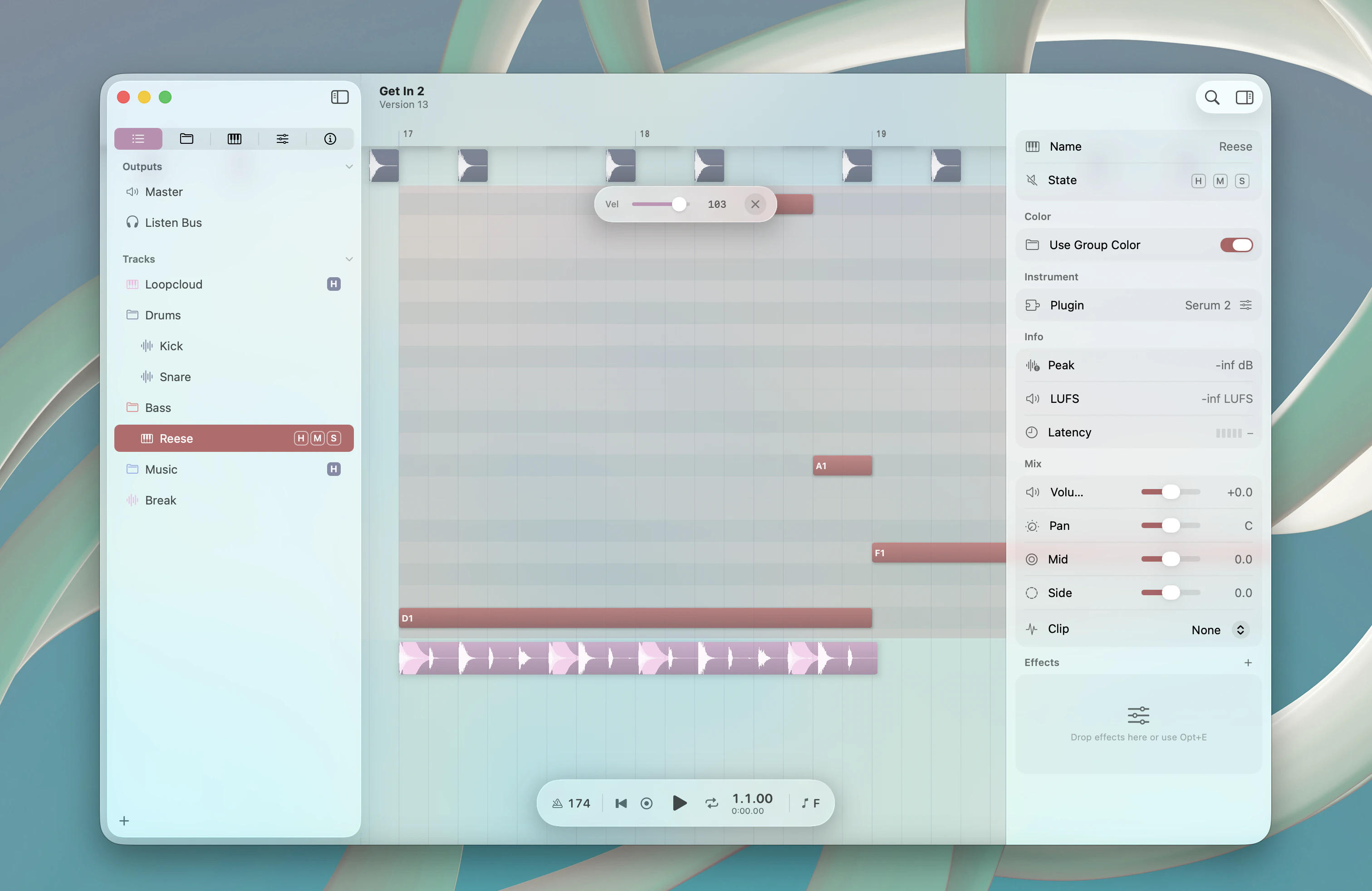
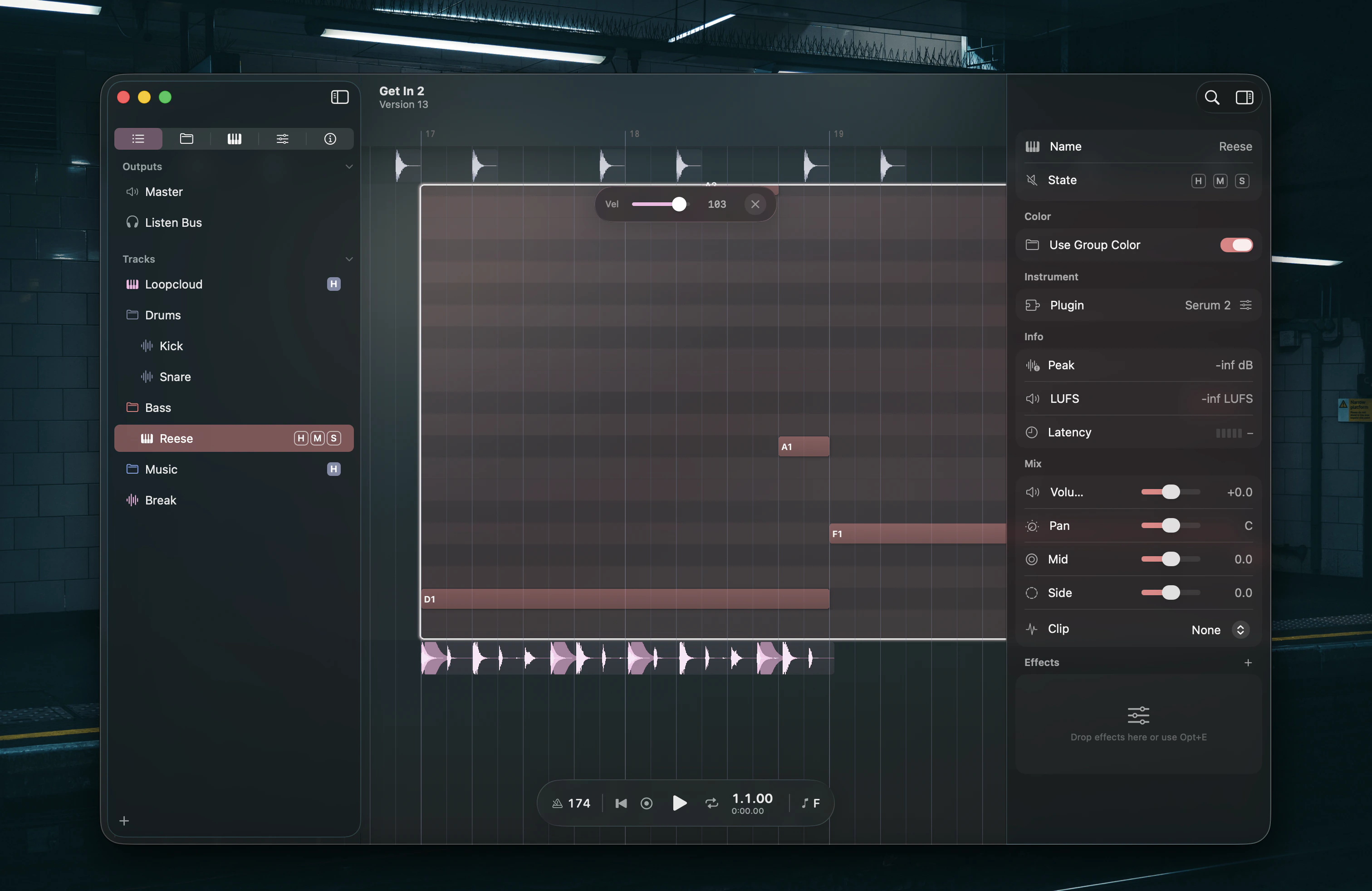
Create and delete notes
Hold⌘ and click on an empty area to create notes. The behavior mirrors clip creation on the timeline:
Drag after clicking to set the note duration. Right-click a note to delete it. Right-click and drag to erase multiple notes.
The Stamps chip in the bar opens the same picker as
⌥P — every shape Gridshift ships and your MIDI library, in one list. Picking a row arms it, and the next click places it: notes into the clip when the piano roll is open, a whole clip when it is not. Esc puts it down.
Which pitches a row writes depends on what it is, and it only shows in the piano roll, where you pick the row you click. A shape in the key counts its notes in steps of your scale, so a Triad comes out major on one degree and minor on another and never leaves the key. A fixed shape is written in semitones and keeps the sound it is named after, in the key or not — Major, Dominant 7th, Fifth. A library file is shifted onto your project’s root once and otherwise left alone; the row you click does not move it, only the bar. Typing in key or fixed in the picker narrows to the first two.
A stamp overwrites what it lands on. The preview stands over written notes and draws them already pushed aside — shortened, moved to the stamp’s end, or gone — so what you see before the click is what the click makes. The whole shape and everything it displaces is a single undo step. Drawing a note with ⌘ where there is nothing to displace is unchanged, and so is the rule on an occupied row: a drawn note yields to the note already there, a stamp takes it.
Automation Focus Mode
Double-click an automation clip to edit automation curves inline. See Automation for the full editing reference.Focus bar
A floating bar appears centered at the top of the window, just below the toolbar. Its contents depend on the clip type:Clip picker
The bar leads with a clip picker — a shade swatch plus a badge counting how many clips are linked together. Open it to switch the focused clip to another one on the track (each row shows a live mini-preview) to Unlink so the clip stops sharing its body, or to Link Identical — merge every clip on the track with identical content into one linked group. PressEscape once to close the picker, again to exit Focus Mode. See Linked Clips for the full model.