

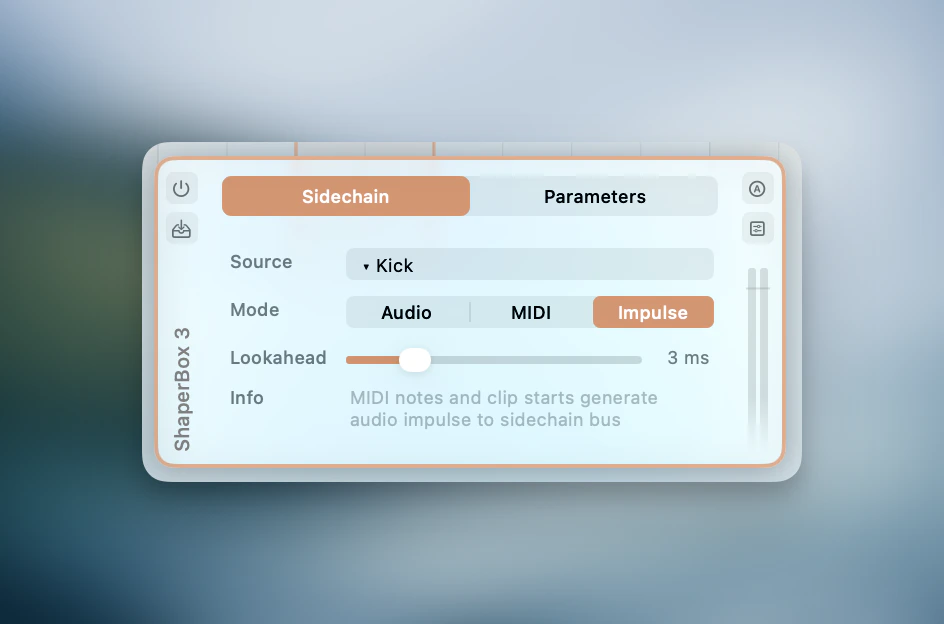
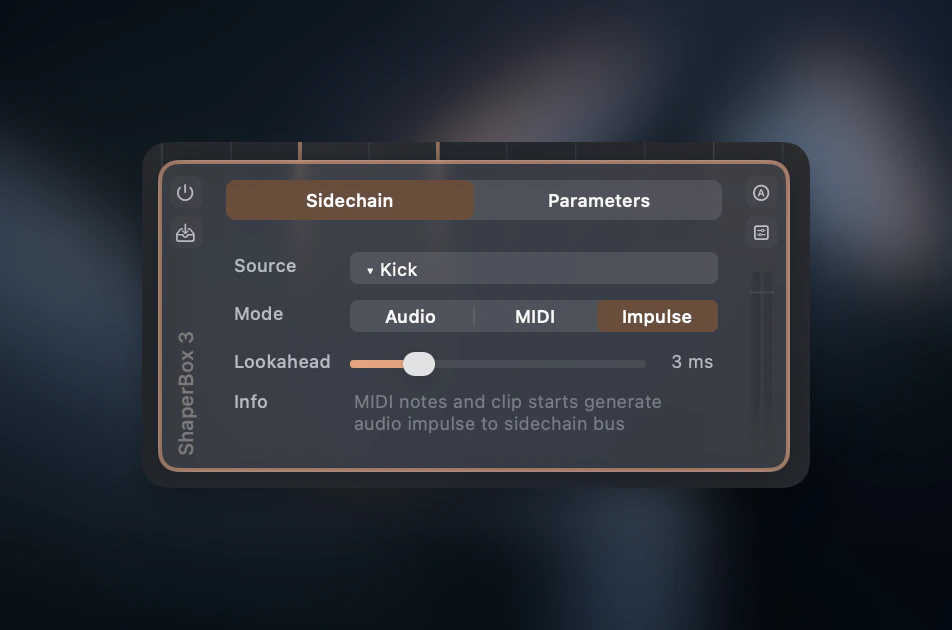
Set up a sidechain
1
Open a plugin in the Plugin Strip
Open a plugin in the Plugin Strip (click the plugin card to expand it).
2
Switch to the Sidechain tab
3
Select a source track
4
Choose a mode
Modes
Available modes depend on the plugin’s capabilities (sidechain bus, MIDI input) and the source track type.
Lookahead
MIDI and Trigger Impulse modes show a Lookahead slider (0–15 ms) that fires events early to compensate for plugin attack time. This works by looking ahead in the timeline — it does not add latency.Via MCP
The same routing is available to AI assistants through theplugin_configure tool. Set up classic kick→bass ducking in one call:
audio, midi, trigger_impulse, or none (to disconnect). audio and trigger_impulse require the plugin to expose a sidechain input bus; the call returns a clear error otherwise.