

Track model
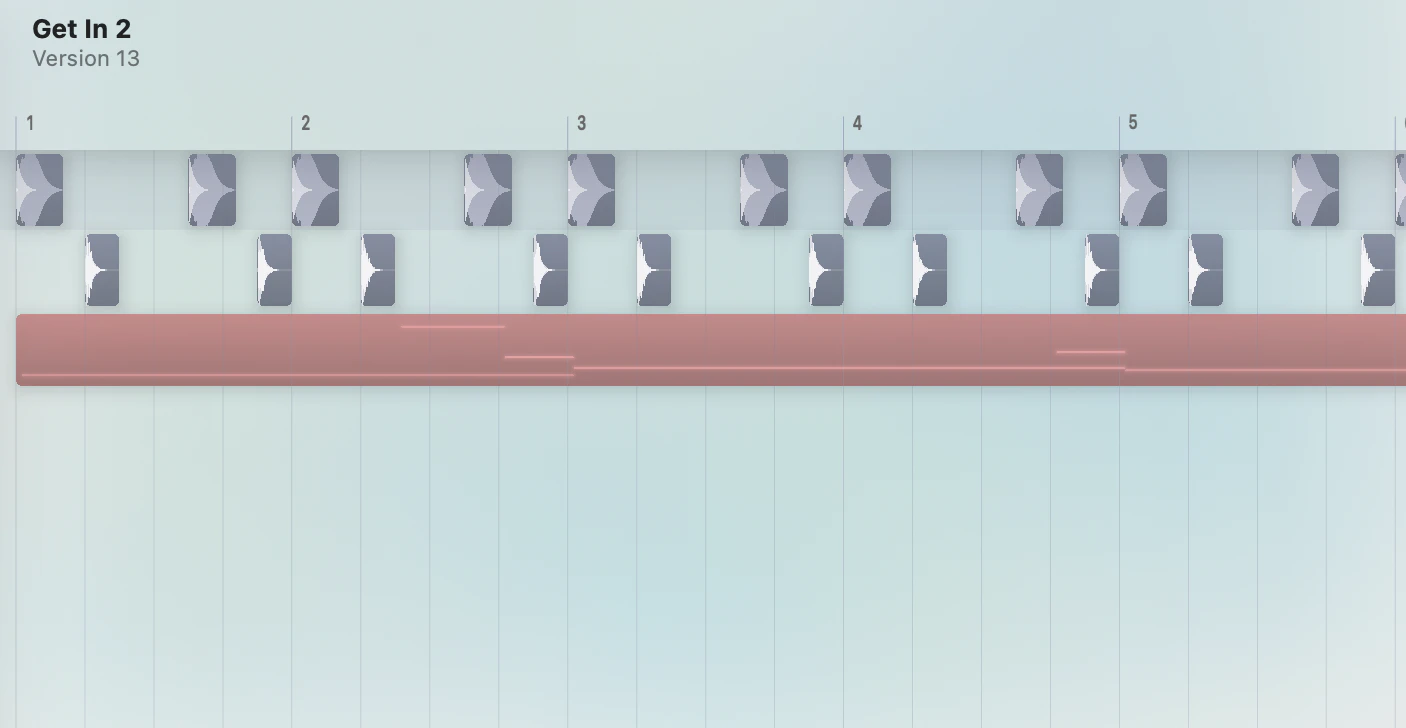
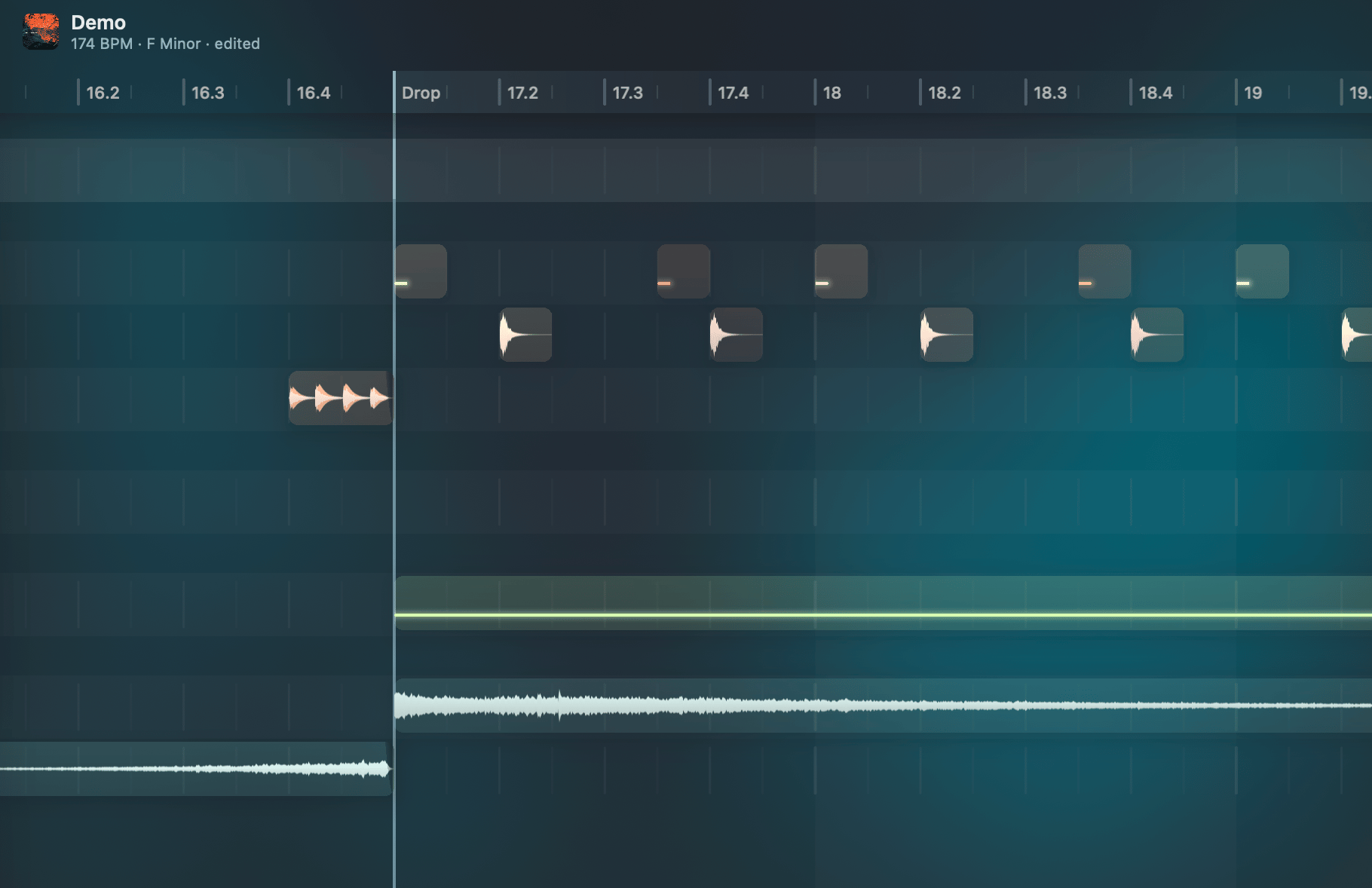
Each track has a single sound source — either an audio sample or an Audio Unit instrument — followed by an effects chain. One source, one chain, one output. Groups act as summing buses for their child tracks. They appear in the sidebar track list but not as rows in the timeline — every other track gets a row, whether or not it holds clips.Zoom levels
The timeline uses three fixed vertical zoom levels instead of free zoom: Normal (the default track height), Compact (⌥↑) for an arrangement overview at minimal height, and Focus (⌥↓) where a single clip expands for detailed editing.
Focus Mode
Double-click a clip or press⌥↓ to enter Focus Mode. This opens inline editing for the piano roll, audio slice playback, and automation curves. Press Escape or ⌥↑ to return to the arrangement view.
Looping
A loop region repeats a section during playback. Toggle looping with⌘L. Use ⇧⌘L to enable looping and zoom to the selected region. Looping is also used for loop recording.
Create and delete clips
Double-click an empty area of a track to drop a new clip there — an empty 4-bar MIDI or automation clip, or the track’s sample at its natural length. It stays in the arrangement view (no Focus Mode), mirroring double-click-to-create-a-note in the piano roll.Enter does the same at the edit cursor on the selected track. Mark a range first (drag across an empty area) and Enter sizes the new clip to exactly that range — on MIDI and automation tracks it makes an empty clip that wide, and on a sample track it trims the source to the range.
⌘+click creates or stamps clips and supports drag-to-size:
Drag after a
⌘+click to set the clip duration. New MIDI clips created with ⌘+click automatically enter Focus Mode for immediate editing.
Right-click a clip to delete it. Right-click and drag to erase multiple clips in one gesture.
Drop a clip on a track that does not exist yet
Start the drag first, then press⌘, and the boundaries between tracks become drop targets: release there and the clip lands on a brand-new track spliced in at that line, instead of on the row you were passing. The targets appear straight away and disappear when you let the key go, so you can arm and disarm mid-drag as often as you like. The order matters — ⌘ held before you grab the clip starts a marquee inside it instead.
⌘ is also the answer when the row under the pointer cannot take the clip at all: an instrument track under an audio clip, or a sample track already playing a different sample. Held, the clip lands on a fresh track of the right kind below that row. Not held, the drag simply refuses there and the clip stays where it was. Without ⌘, a drag inside the timeline never creates a track.
This is a single-clip gesture. Drag several selected clips together and the seams stay closed — ⌘ does nothing, and the clips land on the rows they were dropped on.
Dragging a sample out of the Inspector or a file in from the Finder offers those same between-track targets with no key held.
Linked Clips
Duplicating a clip with⌘D (or stamping one with ⌘+click) keeps it linked to the original — editing the notes, the sample, the fades, or the gain on any copy updates them all. Use ⇧⌘D to duplicate it unlinked instead. Select any one of a linked set and its siblings light up in the selection’s fill, so you can see what an edit will carry to before you make it. See Linked Clips for the full behavior.
Clip gain and normalize
Every audio clip carries its own gain value, independent of the track fader. Select one or more clips and press a number key to set the gain relative to that clip’s own peak —0 normalizes (peak reaches 0 dBFS), 1–9 scale that normalized peak down in 10% steps, and the key left of 1 mutes.
Because each clip is measured independently, a mixed selection ends up at matching levels instead of sharing one global gain. MIDI clips take the number as an absolute gain instead — peak normalization has no meaning for velocity scaling. Time-stretched audio is measured across the full source span that actually plays, so sped-up drum loops normalize correctly. Boost is capped at +24 dB to keep very quiet tails from being amplified into walls of noise.
Mute uses a dedicated flag, so unmuting restores the previous gain value.
The number row does double duty: with no clip selected (or while recording) the same 1–0 keys retrigger and record the last note or slice you played at the chosen level. See Number-Key Dynamics.
This is separate from Normalize Track Volume (
⌥N), which sets the track fader using live playback peak data. Track normalize needs playback to have happened; clip normalize measures the source file directly and works without playing first.Solo dimming
When any track is soloed, non-soloed tracks are visually dimmed in the timeline. This makes it easy to see which tracks are active at a glance. The dimming applies to both clips and waveforms — soloed tracks keep their full brightness while everything else fades back.Grid and snapping
The grid resolution adapts to the horizontal zoom level. All operations snap to the grid by default. HoldOption while dragging to snap to a fine grid — 1/8 of the current division, down to a floor of 1/128 beat.
Dragging also snaps to what is already in the arrangement: clip edges, transient markers, and MIDI note starts, anywhere in the project — not just on the track you are dragging on. A drum clip lands on the beat a synth note actually plays, and in the piano roll a note lands on a drum hit that sits off the grid. These targets only take over within 8 px of the pointer and only when they are closer than the grid line, so the grid stays the default answer. Markers and note starts additionally need room to be aimed at: they are ignored below roughly 40 px per beat, and any marker sitting closer to its neighbour than the snap window is wide is skipped — chopped-up material would otherwise cover the ruler edge to edge and leave nowhere to hit the grid. Zoom in and they come back.
A horizontal clip drag eases onto its snap target instead of jumping to it. The glide only runs when the grid moved the clip further than the cursor moved, so a fast drag stays locked to the pointer.
Run Align Clips to Downbeat from the Command Palette to slide each clip’s audio onto the grid using the sample editor’s downbeat. Clip positions and lengths stay put; it applies to the selected track and lands as one undo step.
Groove
A groove template shifts the timing grid to create swing or shuffle feels. Configure groove in theProject inspector tab (⌘5) under Grid:
- Groove — 34 built-in presets across six categories: Swing, Triplet, Hip-Hop, Funk, Breakbeat, and Complex
- Amount — 0–100% intensity of the groove offset