

Signal history & metering
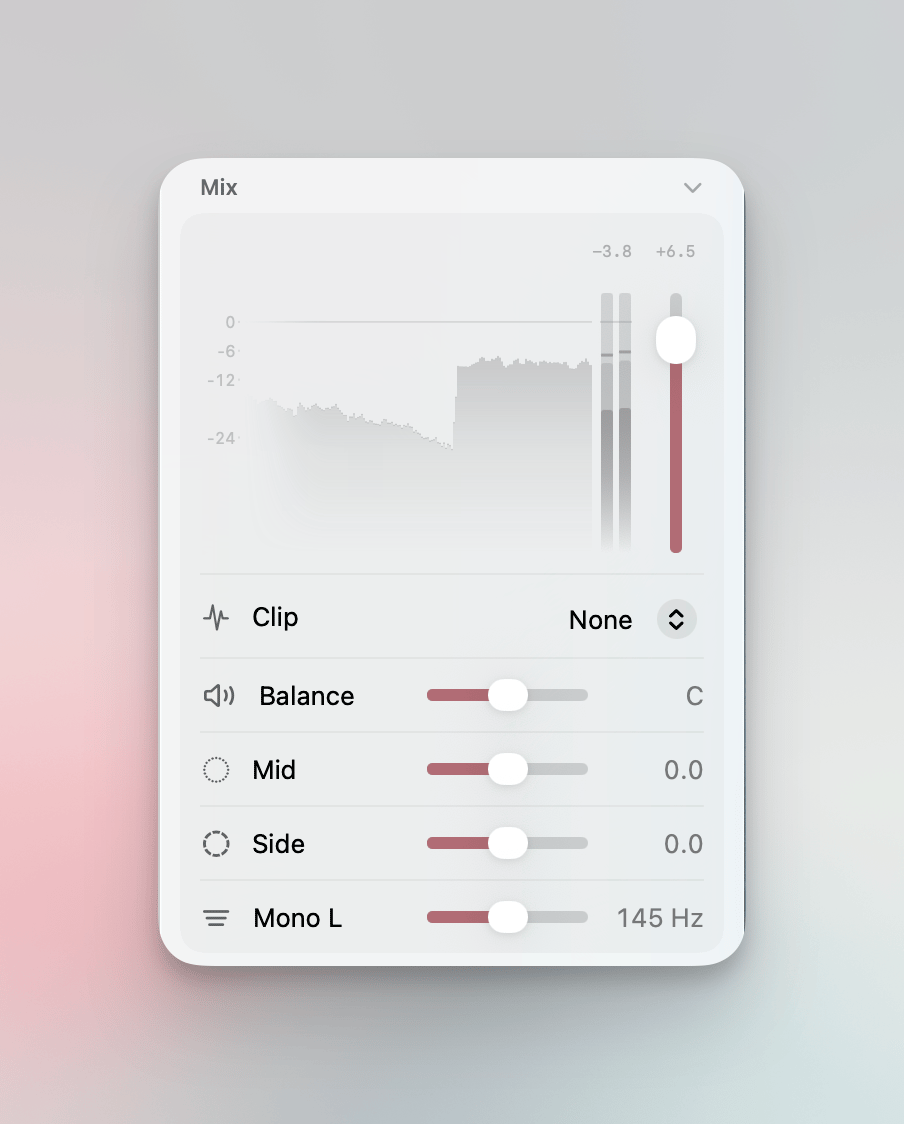
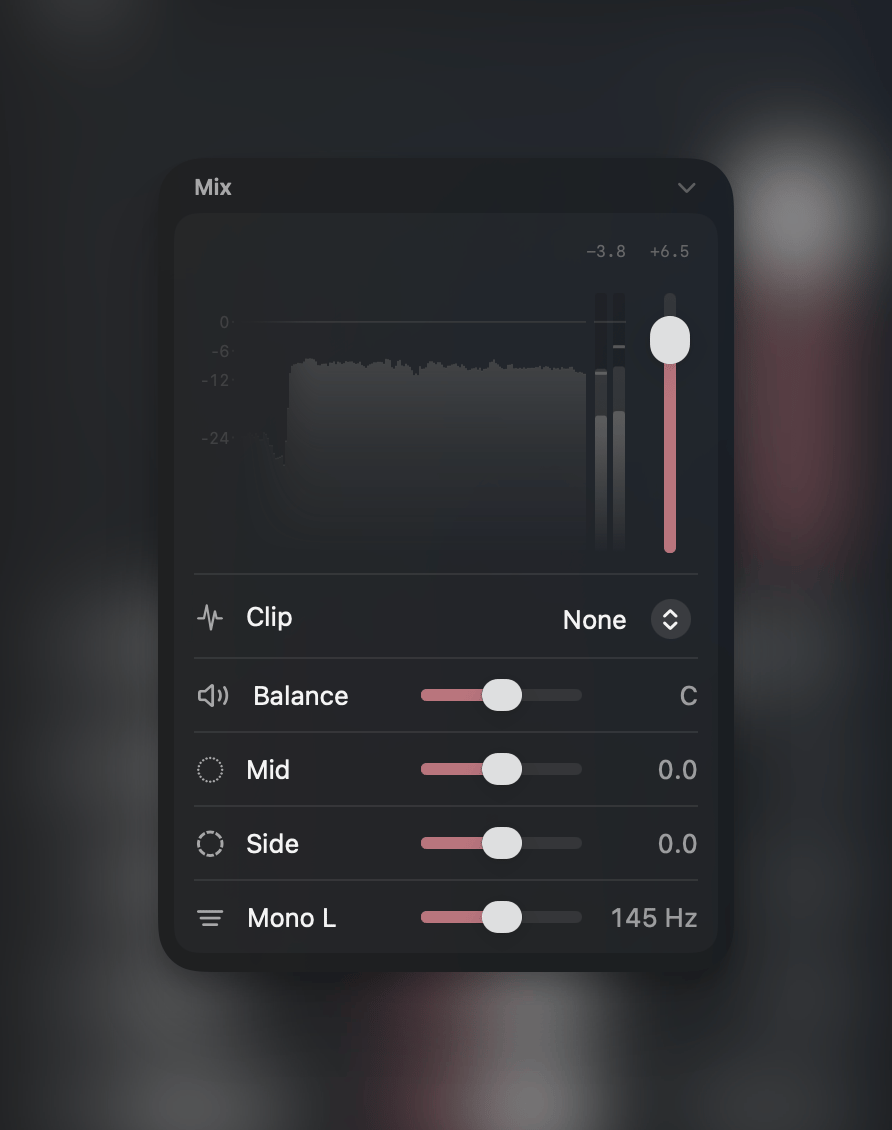
At the top of the Mix section, a real-time visualization shows what the track is doing over time. A segmented control next to the readout switches it between two views:
Next to it, a stereo peak meter displays left and right channel levels with a dB scale.
Above the visualization: Peak (click to reset), Gain (current volume in dB), and Integrated and Short loudness readings in LUFS.
The ceiling line in the visualization is draggable — pull it down to set the clipper ceiling below 0 dB.
Volume
Vertical fader ranging from -48 dB to +12 dB. Snaps at 0 dB. The fader moves automatically during playback when volume automation is active.Stereo width
One control for the stereo field, in either of two readings. Click the label (or right-click the row) to switch:
The row is one control, and automation treats it as one: a single lane drives it, listed under the name the row currently shows — Width or Mid/Side. Switching the reading re-reads the lane in the new one; it stays neutral where it was neutral, and its excursions mean what the row now says they mean.
Both readings write the same underlying Mid and Side gains, which is what MIDI bindings and the Mid/Side commands in the Command Palette address — bind a controller to the mid alone and it keeps working whichever mode the row shows.
Switching modes converts the current setting: the stereo impression is preserved and only the overall level moves, by up to 3 dB. The two readings describe different sets of Mid/Side pairs and meet only at the neutral position, so no conversion can keep both.
Mono below
Collapses low frequencies to mono below a configurable cutoff frequency (20 Hz – 1 kHz). Tightens the stereo low end without affecting the rest of the spectrum. Option-click to disable. Click the label to switch algorithm:Pan
Horizontal panner from full left to full right with snap points at L50, Center, R50. Click the label to switch mode:Mix filter
A one-knob tone control at the end of the channel, just before the clip curve. Click the label to switch shape:
At 0 the filter is neutral in every mode and out of the signal path entirely, so switching shape never changes the sound on its own. Both sweeps run the full audible band rather than stopping at a safe corner — double-click the slider to type an exact frequency when dragging can’t land on it.
The filter sits before the clip curve on purpose. A filter placed after a clipper re-creates the very peaks it just removed, which would turn the ceiling from a guarantee into an estimate.