> ## Documentation Index
> Fetch the complete documentation index at: https://docs.gridshift.studio/llms.txt
> Use this file to discover all available pages before exploring further.
# Mix Controls
> Volume, panning, mid/side processing, clipper/limiter, and mono-below — every track has a full mixing toolkit built into the Inspector.
The Mix section in the [Inspector](/features/inspector) contains all per-track mixing controls. Click the section header to expand or collapse it.
 ## Signal History & Metering
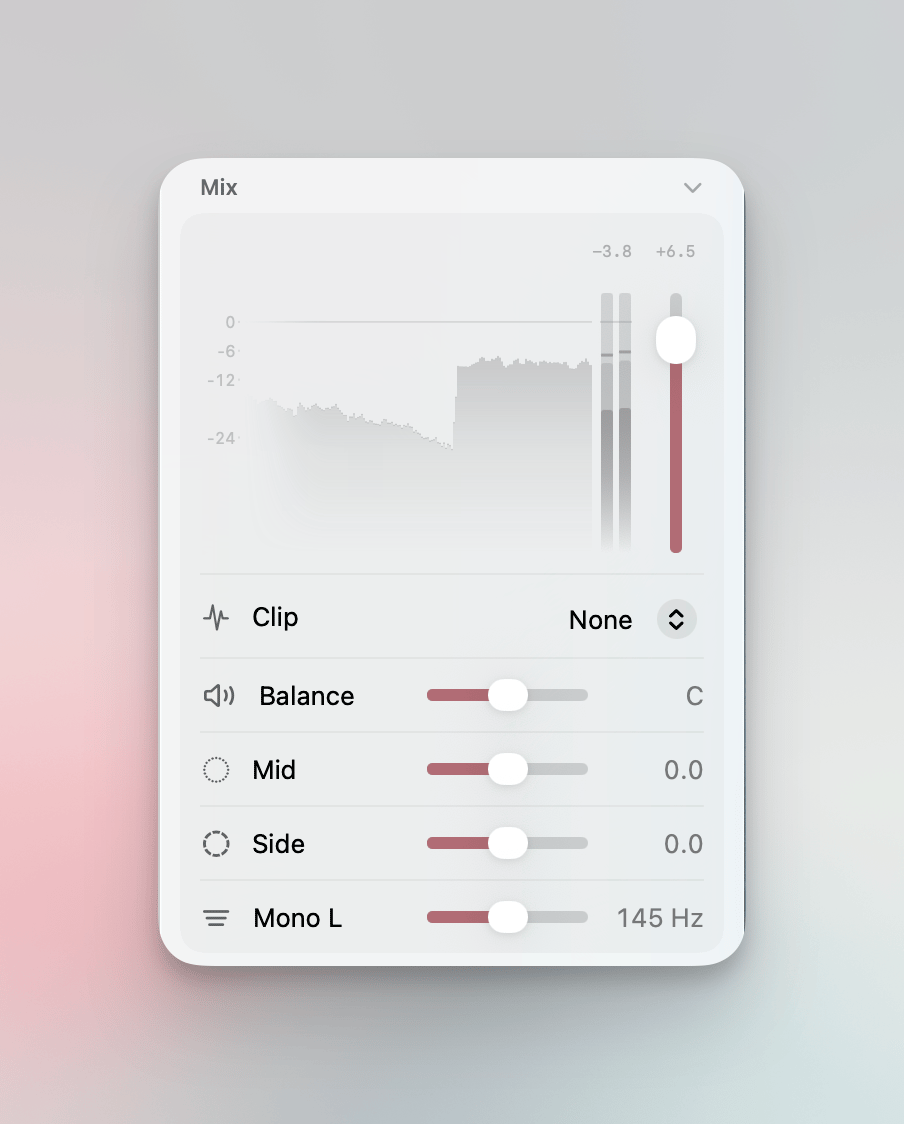
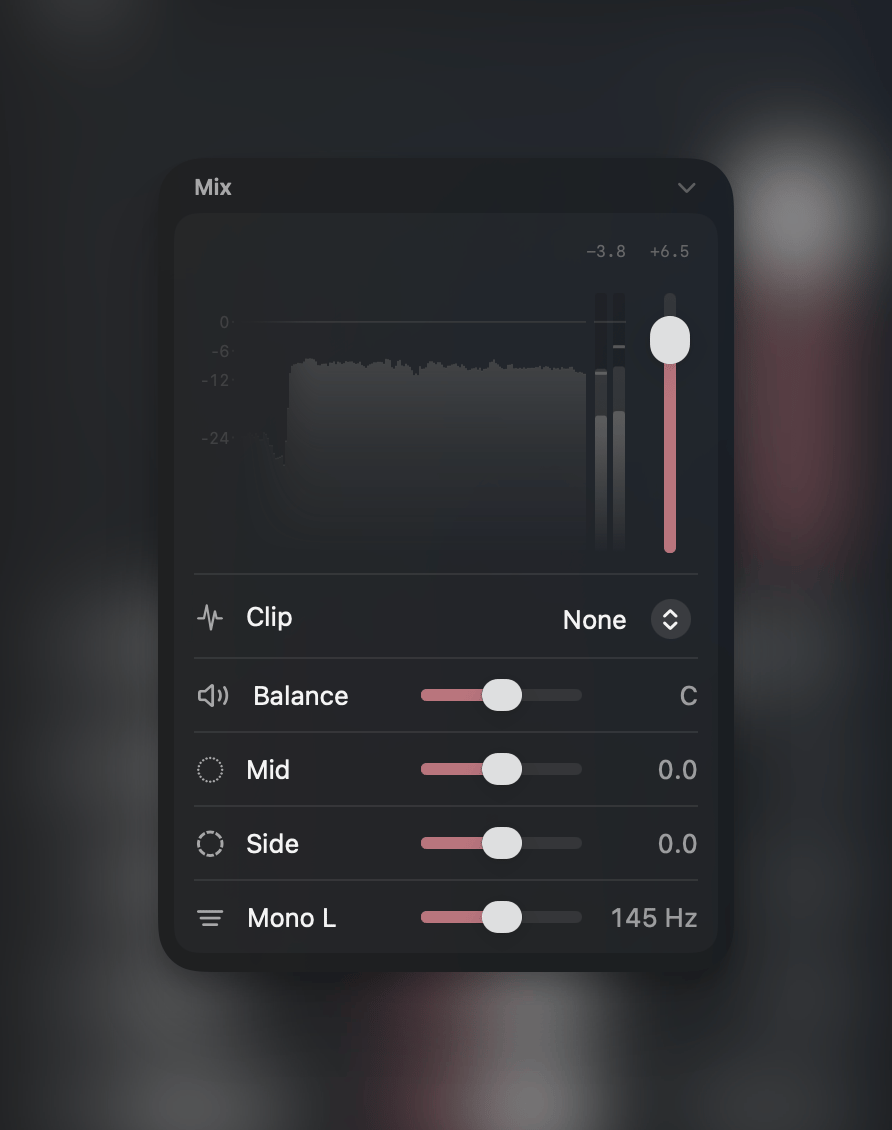
At the top of the Mix section, a real-time signal history visualization shows the track's level over time. Next to it, a stereo peak meter displays left and right channel levels with a dB scale.
Above the visualization: **Peak** (click to reset), **Gain** (current volume in dB), and integrated **LUFS** readings.
The ceiling line in the visualization is draggable — pull it down to set the clipper ceiling below 0 dB.
## Volume
Vertical fader ranging from -48 dB to +12 dB. Snaps at 0 dB. The fader moves automatically during playback when volume automation is active.
Use **Normalize Track Volume** (`⌥N`) to automatically set the fader so the peak reaches 0 dBFS. Play the track first so Gridshift has peak data to work with.
## Clip Type
Select the output clipping or limiting mode from the dropdown:
### Clipping Curves
Clipping curves shape peaks that exceed the ceiling. They add harmonic character at zero latency.
| Curve | Character |
| ---------------------- | ---------------------------------------------------------------- |
| **None** | Bypass — no clipping applied |
| **Hard** | Aggressive digital clipping, peaks sliced flat |
| **Quintic** | Gentle soft clip with smooth saturation onset |
| **Cubic** | Classic soft clip, warm and musical, predominantly odd harmonics |
| **Hyperbolic Tangent** | Analog-style saturation, smoothest transition into limiting |
| **Arctangent** | Gentle saturation, preserves dynamics, minimal coloration |
| **Algebraic** | Moderate soft clip, balanced between Arctangent and Cubic |
### Limiter Modes
Transparent peak control without harmonic coloration.
| Mode | Behavior |
| --------------------- | -------------------------------------------------------------------------------------------------------------------------- |
| **Limit** | Zero-latency peak limiter with stereo-linked gain reduction and \~100 ms release |
| **Limit (Lookahead)** | Peak limiter with a short lookahead buffer for smoother response. Adds minimal latency, automatically compensated via PDC. |
## Pan
Horizontal panner from full left to full right with snap points at L50, Center, R50.
Right-click to switch mode:
| Mode | Description |
| -------------- | -------------------------------------- |
| **Balance** | Adjusts left/right volume (default) |
| **Stereo Pan** | Crossfades the signal between channels |
## Mid / Side
Independent gain controls for the center (Mid) and stereo (Side) content of the signal.
| Control | Range | Description |
| -------- | ----------- | --------------------------------------------------------------------------- |
| **Mid** | -∞ to +6 dB | Center channel gain — controls mono content |
| **Side** | -∞ to +6 dB | Side channel gain — controls stereo width. At zero the signal becomes mono. |
## Mono Below
Collapses low frequencies to mono below a configurable cutoff frequency (20 Hz – 1 kHz). Tightens the stereo low end without affecting the rest of the spectrum. Option-click to disable.
Right-click to switch algorithm:
| Mode | Description |
| ---------- | ------------------------------------ |
| **Mono** | Sums L+R below cutoff (default) |
| **Mono L** | Uses left channel only below cutoff |
| **Mono R** | Uses right channel only below cutoff |
## Signal History & Metering
At the top of the Mix section, a real-time signal history visualization shows the track's level over time. Next to it, a stereo peak meter displays left and right channel levels with a dB scale.
Above the visualization: **Peak** (click to reset), **Gain** (current volume in dB), and integrated **LUFS** readings.
The ceiling line in the visualization is draggable — pull it down to set the clipper ceiling below 0 dB.
## Volume
Vertical fader ranging from -48 dB to +12 dB. Snaps at 0 dB. The fader moves automatically during playback when volume automation is active.
Use **Normalize Track Volume** (`⌥N`) to automatically set the fader so the peak reaches 0 dBFS. Play the track first so Gridshift has peak data to work with.
## Clip Type
Select the output clipping or limiting mode from the dropdown:
### Clipping Curves
Clipping curves shape peaks that exceed the ceiling. They add harmonic character at zero latency.
| Curve | Character |
| ---------------------- | ---------------------------------------------------------------- |
| **None** | Bypass — no clipping applied |
| **Hard** | Aggressive digital clipping, peaks sliced flat |
| **Quintic** | Gentle soft clip with smooth saturation onset |
| **Cubic** | Classic soft clip, warm and musical, predominantly odd harmonics |
| **Hyperbolic Tangent** | Analog-style saturation, smoothest transition into limiting |
| **Arctangent** | Gentle saturation, preserves dynamics, minimal coloration |
| **Algebraic** | Moderate soft clip, balanced between Arctangent and Cubic |
### Limiter Modes
Transparent peak control without harmonic coloration.
| Mode | Behavior |
| --------------------- | -------------------------------------------------------------------------------------------------------------------------- |
| **Limit** | Zero-latency peak limiter with stereo-linked gain reduction and \~100 ms release |
| **Limit (Lookahead)** | Peak limiter with a short lookahead buffer for smoother response. Adds minimal latency, automatically compensated via PDC. |
## Pan
Horizontal panner from full left to full right with snap points at L50, Center, R50.
Right-click to switch mode:
| Mode | Description |
| -------------- | -------------------------------------- |
| **Balance** | Adjusts left/right volume (default) |
| **Stereo Pan** | Crossfades the signal between channels |
## Mid / Side
Independent gain controls for the center (Mid) and stereo (Side) content of the signal.
| Control | Range | Description |
| -------- | ----------- | --------------------------------------------------------------------------- |
| **Mid** | -∞ to +6 dB | Center channel gain — controls mono content |
| **Side** | -∞ to +6 dB | Side channel gain — controls stereo width. At zero the signal becomes mono. |
## Mono Below
Collapses low frequencies to mono below a configurable cutoff frequency (20 Hz – 1 kHz). Tightens the stereo low end without affecting the rest of the spectrum. Option-click to disable.
Right-click to switch algorithm:
| Mode | Description |
| ---------- | ------------------------------------ |
| **Mono** | Sums L+R below cutoff (default) |
| **Mono L** | Uses left channel only below cutoff |
| **Mono R** | Uses right channel only below cutoff |